|
5.
|
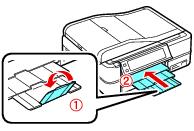
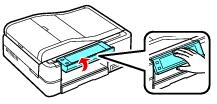
Press the CD Tray button to eject the CD/DVD tray.
|
|
8.
|
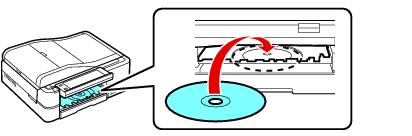
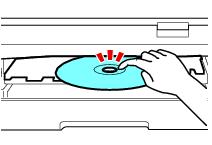
Press the CD Tray button to position the CD/DVD for printing.
|
Caution:
Do not turn the Artisan 800 Series off with a CD or DVD loaded in it. Always remove the disc first.
Do not turn the Artisan 800 Series off with a CD or DVD loaded in it. Always remove the disc first.
Now you can print on the CD/DVD using the Epson Print CD software on your computer or the Artisan 800 Series control panel.