|
1.
|
Press the
 Setup button. Setup button. |
|
2.
|
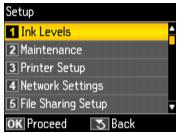
Select Ink Levels.
|
|
3.
|
|
4.
|
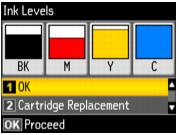
Press OK to exit.
|
You can also check the ink cartridge status using your Windows or Macintosh software. If one of the screens indicates that a cartridge is expended, replace the cartridge.