If you see ink on the back of a printout, you can clean the paper path and rollers inside the printer. This removes any excess ink.
|
2.
|
Load several sheets of plain paper in cassette 1.
|
|
3.
|
 if necessary and select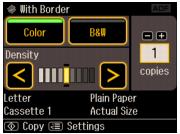
 . This feeds paper through the printer to clean the rollers.