Inserting Tables in Label Editor
You can add customized tables to your labels.
Click the
Table icon.
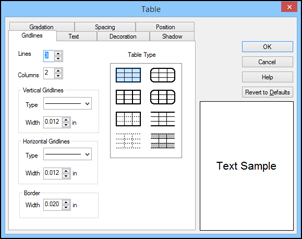
You see this window:
Select the table settings you want to use and click
OK
.
The table appears on your label.
To resize the table, click and drag one of the green dots to the size you want.
To format the table, select it and click the
Properties icon.
You see a window like this:
Select any of the tabs to display the available options.
Select the options you want.
When you are finished, click
OK
.
Parent topic:
Designing Labels With Label Editor
Related tasks
Working With Blocks in Label Editor
 Table
icon.
Table
icon.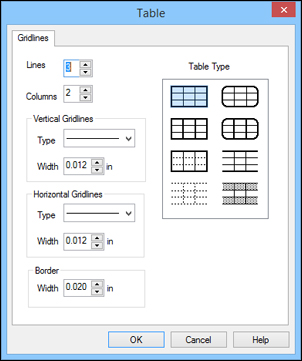
 Properties
icon.
Properties
icon.