After
printing on roll paper, use scissors as described here to cut the
roll paper from your printout.
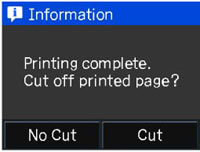
- When printing is finished, you see this screen:
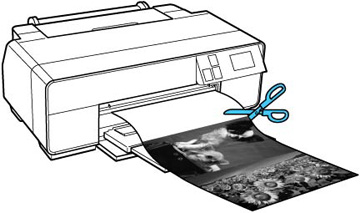
- Use scissors to cut the paper along the cut line.
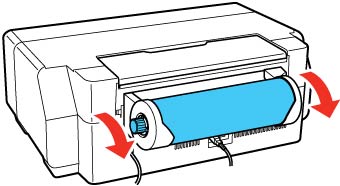
- Follow
the instructions on the screen to unload the roll paper. Turn the
knobs on the roll paper holders backward as the paper unloads, then
remove the paper and holders from your product.
Note: You can also unload roll paper by selecting Cut/Eject > Eject on the touch screen.