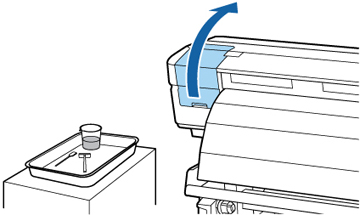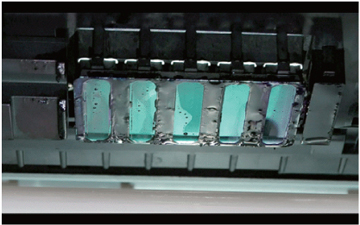
- Open the left maintenance cover.
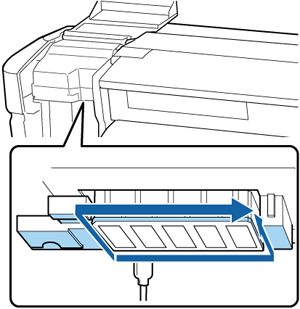
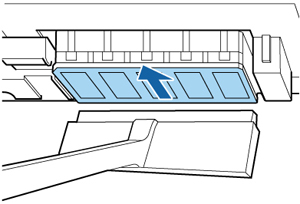
- Wipe off any ink from the parts shown here in the direction of the arrow. Use the tip of the cleaning stick to remove any lint or dust from the area.
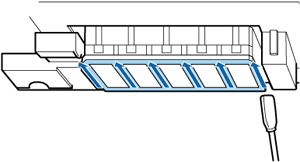
- Using the tip of a small cleaning
stick dampened with ink cleaner and wiping in one direction, clean
any ink from between the nozzles on both print heads as shown
here.
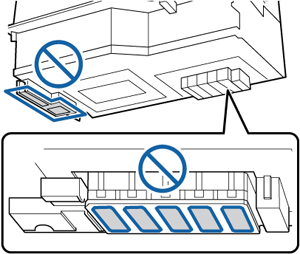
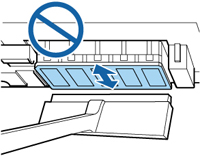
Caution:Do not press on the nozzles with excessive force or you may damage them. Do not move the cleaning stick back and forth; wipe in one direction only.
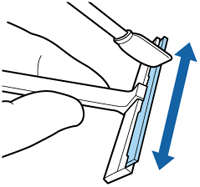
- Dampen a large cleaning stick with ink cleaner and use it to wipe all sides of the blade on the cleaning wiper.
- Use the cleaning wiper to clean the
print head by pulling it once over the surface as shown
here.
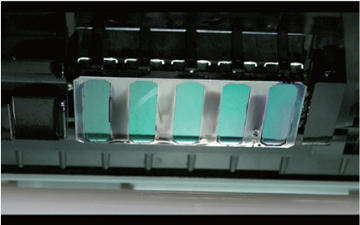
Caution:Your cleaned print heads should look like this: If not, repeat these steps using fresh cleaning sticks and ink cleaner.