The printer's built-in cutter can automatically cut most paper
types, or you can cut your prints manually. You can switch between
cutting methods on the control panel or in the printer driver. The
setting selected in the printer driver overrides the control panel
setting.
Note: If you are
using the optional Auto Take-up Reel, disable the Auto Cut setting in the printer driver and on
the control panel.
Caution:
You should not use the built-in cutter with
these paper types or you may damage or dull the built-in
cutter:
- Fine art paper
- Canvas
- Vinyl
- Matte poster board
- Adhesive paper
- Banner media
When you print on these paper types, disable the
Auto Cut setting and cut off your prints
manually.
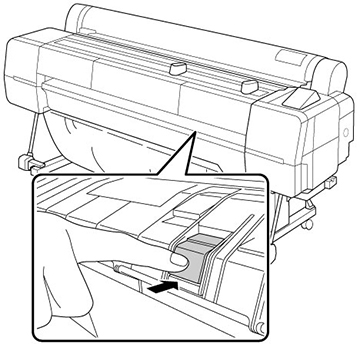
Note: For the
SureColor P20000, the cut end of roll paper wider than 44 inches
(112 cm) may bend. Raise the additional output support on the
printer to prevent this and improve cutting.
Lower the support when it is not in use or if it catches on the
paper.