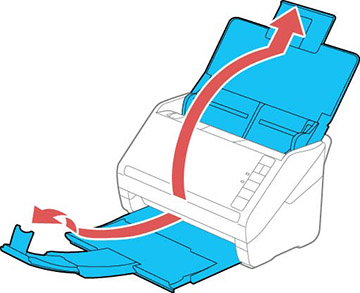
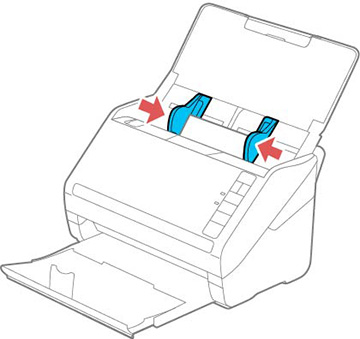
- Open the scanner cover, pull up the input tray extension, extend the output tray, and open the stopper.
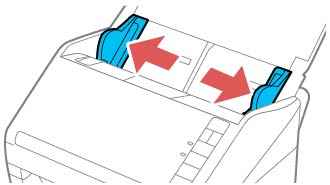
- Slide the input tray edge guides all the way out.
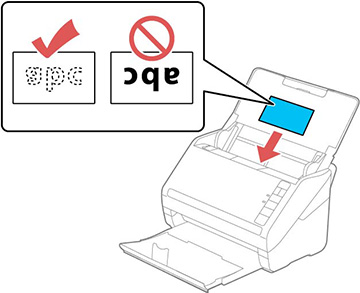
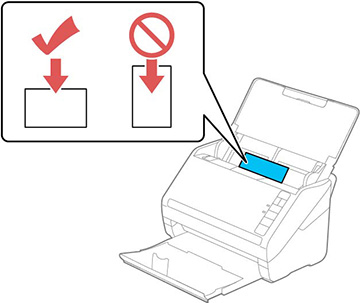
- Load up
to 5 non-embossed plastic cards facedown in landscape orientation
and top edge first in the center of the input tray as shown. Slide
them in until they meet resistance
Note: You can load only one embossed plastic card at a time. Do not load plastic cards vertically.
- Slide the edge guides against the edges of the plastic card.