When
projecting with multiple projectors, you must adjust the brightness
setting so that all projectors are equally bright.
Note: Even
after adjusting the brightness levels, the brightness of each lamp
may not match exactly.
- Turn on all the projectors and display the same image.
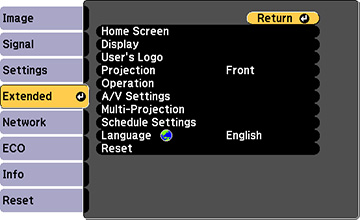
- Press the Menu button.
- Select the Settings menu and press Enter.
- Select Multi-Projection and press Enter.
- Select the Power Consumption setting and choose one of
the following:
- Normal: Sets the brightness to the maximum level
- ECO: Reduces lamp brightness and fan noise (saves on power and increases lamp life)
- Press Esc to return to the previous screen.