To keep your
product working at its best, you should clean it several times a
year.
Caution:
Do not use alcohol or paint thinner to
clean the product or you may damage it. Do not use oil, chemical
cleaners, or other lubricants inside the product or let water get
inside it. Close the rear paper feed slot when you are not using
it, to keep out dust.
- Turn off the product.
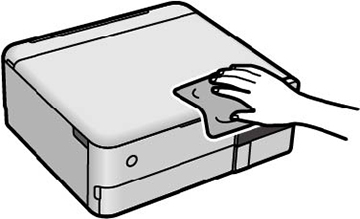
- Clean the outer case and control panel with a soft, clean cloth moistened with a little water.
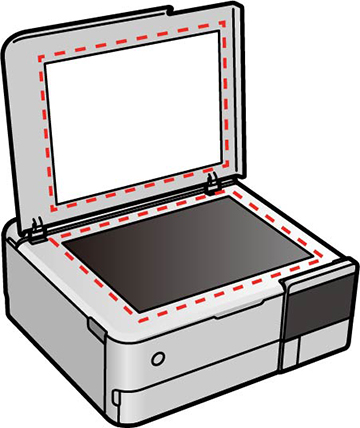
- Open the document cover.
- Clean the scanner glass and the document cover with a
soft, dry, clean cloth. If necessary, use a small amount of glass
cleaner on the cloth.
Caution:Do not spray glass cleaner directly on the glass and wipe off all remaining liquid. Do not press the glass surface with any force.