You
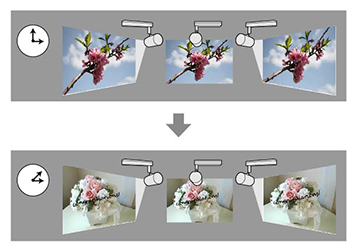
can set up a timetable to simultaneously project a synchronized
playlist across multiple (up to 16) projectors.
Note: All
projectors that will be involved in synchronized playback must be
the same model. If any of the projectors are a different model or
have a different resolution, synchronized playback may not be
performed properly.
Note: You can
create playlists and set timetables for them using the Epson
Projector Content Manager software. See the Epson
Projector Content Manager Operation Guide for details.
You can also create playlists using Epson Creative
Projection, Epson iProjection (Android/iOS), or a Web
browser.
Make sure the name, date, and time settings are correct for all projectors that will be involved in synchronized playback.
