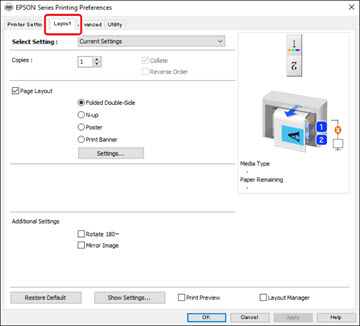
- To select multiple copies and their print order, select the Copies, Collate, and Reverse Order options.
- To print multiple pages on one sheet of paper, or print one image on multiple sheets of paper, select the Page Layout checkbox and select the option you want.
- To rotate or flip the printed image, select the Rotate 180° or Mirror Image checkbox.