Changing the LCD Screen Language
You can change the language used on the LCD screen.
Select the
home
icon, if necessary.
Select the
Menu icon.
Select
General Settings
>
Basic Settings
>
Language
.
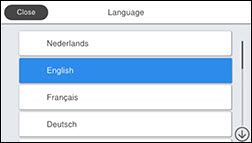
You see this screen:
Select a language.
Select the
home
icon to exit.
Parent topic:
Using the Control Panel
 home
home