Removing a Jammed Original (SureColor
T5770DM/T7770DM)
To remove a jammed original from the integrated scanner, follow
the steps below.
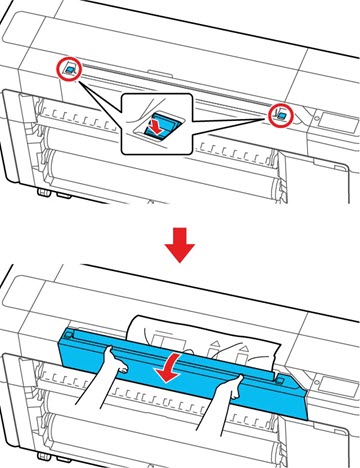
Open the
scanner cover.
Caution:
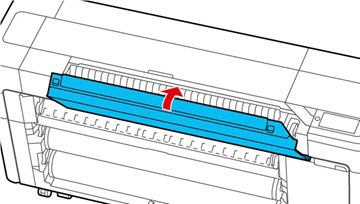
When opening and closing the scanner cover,
keep your hands away from the gap between the scanner cover and the
printer. Otherwise, your fingers or hands may be injured.
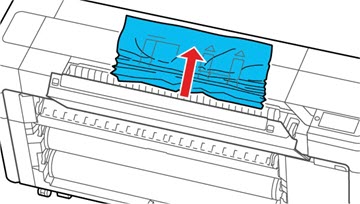
Gently
removed the jammed original from inside the scanner.