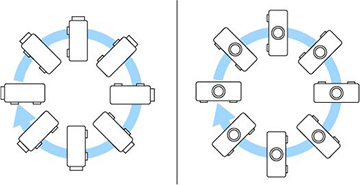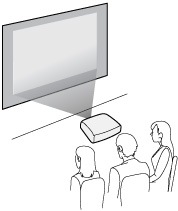
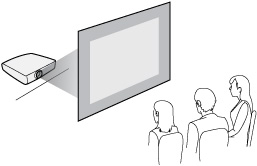
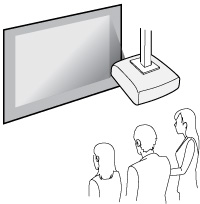
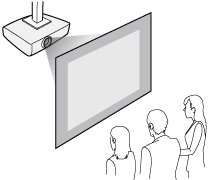
Be sure to leave space around the
projector to avoid blocking the air exhaust and intake vents. Do
not install the projector in a location that does not allow air to
circulate, such as on a shelf or in a box. If you want to install
the projector on a shelf or in an enclosure, contact Epson for
help.
If there is not enough space around the projector and the internal temperature of the projector increases, the brightness of the light source may decrease. Make sure hot air from the exhaust vent does not go into the air intake vent.
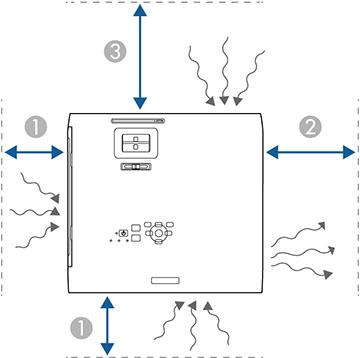
| 1 | 1.95 inches (5 cm) |
| 2 | 7.9 inches (20 cm) |
| 3 | 11.8 inches (30 cm) |