Note: Trial offer
not available for all models in all regions.
Note: The images
show Windows screens for ES-C220/ES-C320W; Mac screens and those
for the RR-400W model may be slightly different. Depending on your
product model and software version, not all options may be
available.
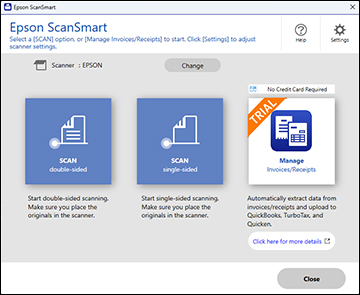
- Click the Manage Invoices/Receipts icon on the main Epson ScanSmart screen.
- Click Start
Trial.
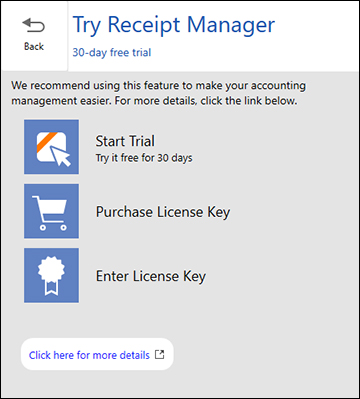
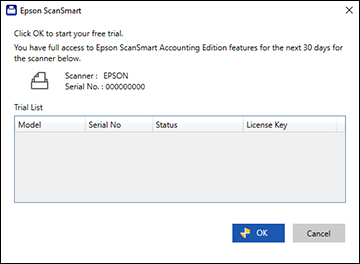
Note: If you are ready to purchase a license key now, click Purchase License Key. The Epson support page opens in your web browser. When you receive the license key, click Enter License Key and enter it on the screen that appears, then click Activate. You can also click the link below for instructions on activating Receipt Manager from the Settings menu. - Make sure the scanner and serial number listed match your product and click OK.
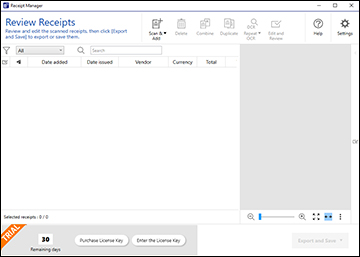
- Receipt Manager opens and you can begin using its features.