You
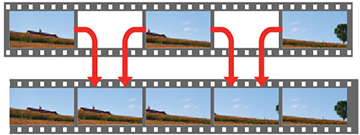
can use the projector's Frame Interpolation feature to smooth
fast-moving video by comparing consecutive image frames and
inserting an intermediate image frame between them.
Turn on the projector and switch to the input source you want
to use.
Press the settings button on the
remote control.
Select the Picture menu and
press Enter.
Select the Frame Interpolation
setting and press Enter.
Select the level of interpolation and press Enter.
When you are finished, press the esc button to exit the
menus.
 settings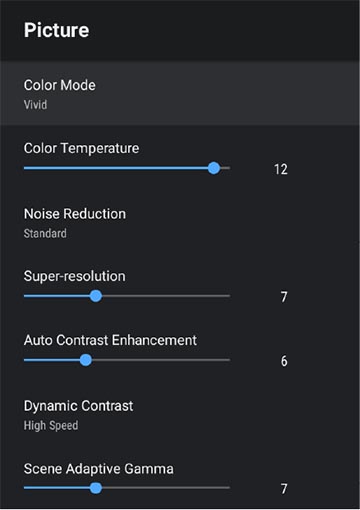
 esc
esc