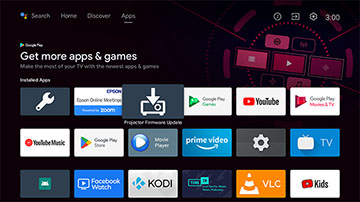
You
can get the latest version of the projector firmware over a
network.
When the latest projector firmware is available, a notification is automatically displayed on the screen. Follow the on-screen instructions to update the firmware.
When the latest projector firmware is available, a notification is automatically displayed on the screen. Follow the on-screen instructions to update the firmware.
 apps
apps