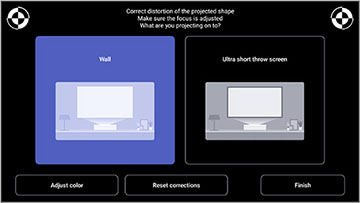
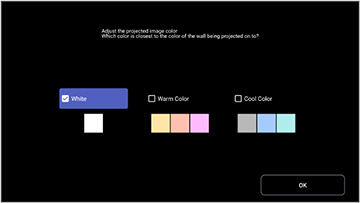
When
projecting onto a wall, you can use the preset color correction to
compensate for the color of the wall.
You can make other detailed color adjustments in the projector's Picture menu.
You can make other detailed color adjustments in the projector's Picture menu.
 Corner Adjustment