You can
clean the scanner glass if your copies or scanned images are
smeared.
Caution:
Do not use a hard brush, alcohol, or
paint thinner to clean the product or you may damage it. Do not use
oil or other lubricants inside the product or let water get inside
it.
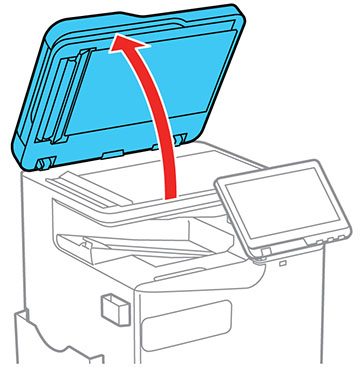
- Open the document cover.
Caution: Be careful not to trap your hands or fingers when opening or closing the document cover or you may be injured.
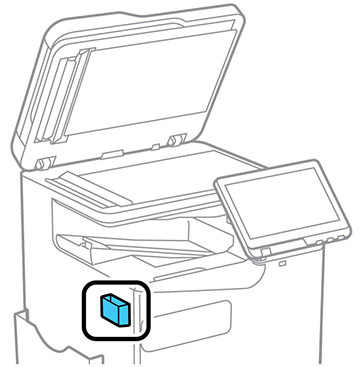
- Remove the cleaning cloth
from its holder.
Note: The cleaning cloth holder may be located in a different location than the one shown.
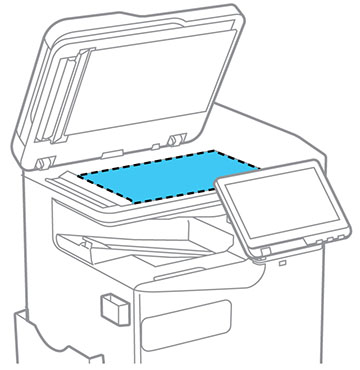
- Use the cleaning cloth to wipe the scanner glass.
Note: If the glass is stained with grease or dirt, use a small amount of glass cleaner on a soft, dry cloth to remove it. Wipe off all remaining liquid after removing the dirt.Caution:Do not spray glass cleaner directly on the glass and do not press the glass surface with any force. Be careful not to scratch or damage the surface of the glass or the scan quality may be affected.
- Return the cleaning cloth to its holder when you are finished.
- Close the document cover.