You can
change the administrator password using your product's control
panel, Web Config, or Epson Device Admin. You use the same
administrator password in all cases.
Note: See your
product's User's Guide for instructions on setting an
administrator password using the control panel. If you forget your
administrator password, contact Epson for support, as described in
the product's User's Guide.
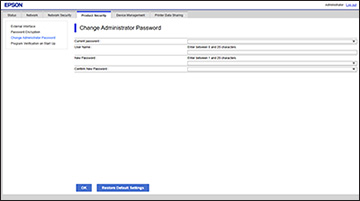
- Select Change Administrator Password. You see a window like this: