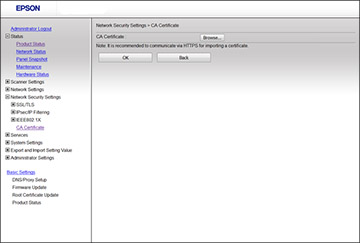
Importing a CA Certificate
You can import a CA certificate using Web Config.
Access Web Config and select the
Network Security
tab.
Select
CA Certificate
.
Select
Import
.
Select the CA certificate you want to import.
Click
OK
.
When you see the
CA Certificate
page and the imported certificate is displayed, the import is finished.
Parent topic:
Using a Digital Certificate