After you
have removed or attached grip pads as necessary, you can install a
platen on the printer.
Note: If you are
printing on film, do not use a sleeve platen or grip pads, and make
sure that you use a platen that is larger than the film. If you use
a platen that is smaller than the film, the overhanging parts could
be pushed up and the job will not be printed correctly. Also, the
edges of the film may strike against the print head and be
damaged.
- Make
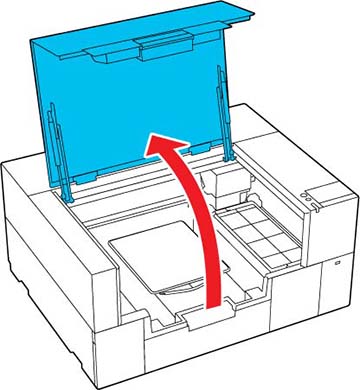
sure the printer is on, then open the printer cover.
- Store the adjustable platen hanger if
it is extended.
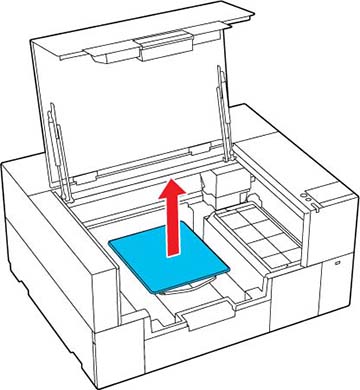
- If you are replacing a platen, grip
the left and right side of the platen and lift it straight up to
remove it.
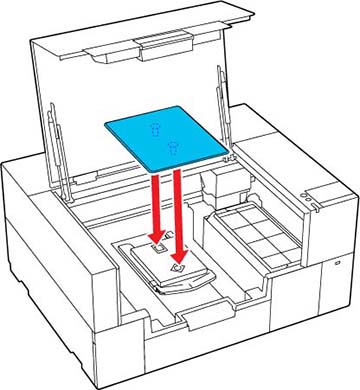
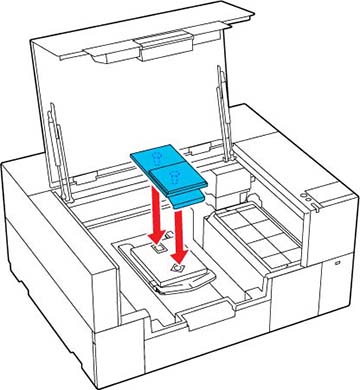
- Align the platen to fit into the holes
in the base and place the platen on the printer.
- Small/extra-small platen
- Sleeve platen
- After installing a platen of a
different size, perform a head alignment.