- Press the
 home button, if
necessary.
home button, if
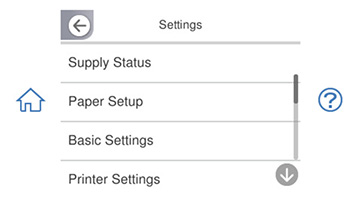
necessary. - Select Settings. You see a screen like this:
- Select Printer Settings.
- Select Paper Source Setting.
- To enable or disable the automatic display of the paper settings selection screen after paper is loaded in the cassettes, select the appropriate Paper Setup Auto Display setting.