If you see
print misalignment, horizontal banding or stripes, or tint
unevenness, align the gantry.
- Load a letter- or A4-size transparent
sheet media that supports inkjet printing. When loading media,align
the right corner of the media with the origin in the print
area.
- Check that the Media Gap on the
printer screen is at 0.07 in (1.2 mm). If it is not, select
Media Gap and set it to 0.07 in (1.2
mm).
- Press Maintenance > Print
Adjustments > Gantry
Alignment.
- Press Start > Start
Printing. The adjustment pattern starts printing.
- When printing has finished and the
deodorizer stops, open the printer cover.
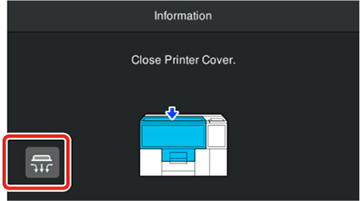
- On the screen, press the
 suction icon. When suction stops,
remove the media.
suction icon. When suction stops,
remove the media.
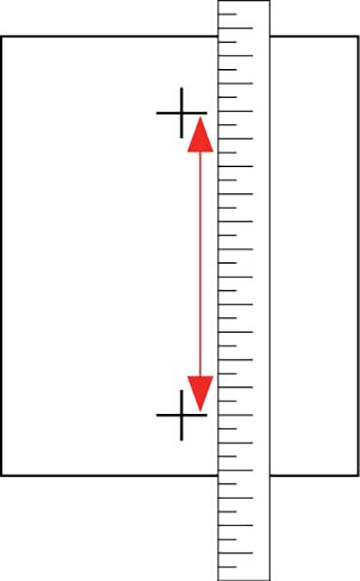
- Place
the printed adjustment pattern on a flat surface and measure
it.
- The adjustment value entry screen is
displayed. Input the value measured in step 7, and then press
OK.