The
operation areas are the gray tiles on the home screen, print job
receiving, and printing screen. Tapping on these tiles will change
the screens and settings. The area with a black background is the
display area, and it does not respond to touch inputs.
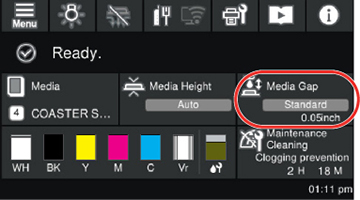
The operation areas perform operations when pressed.
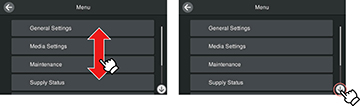
When a scroll bar is displayed, scroll the screen by moving
(sliding) your finger up and down on the screen or by pressing the
up and down icons on the scroll bar.
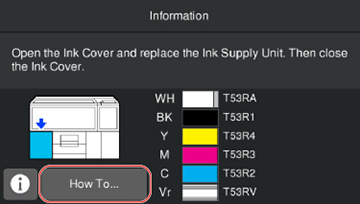
When there is a How To button, such as in a message
screen, you can press it to view a guide for the operating
procedure.