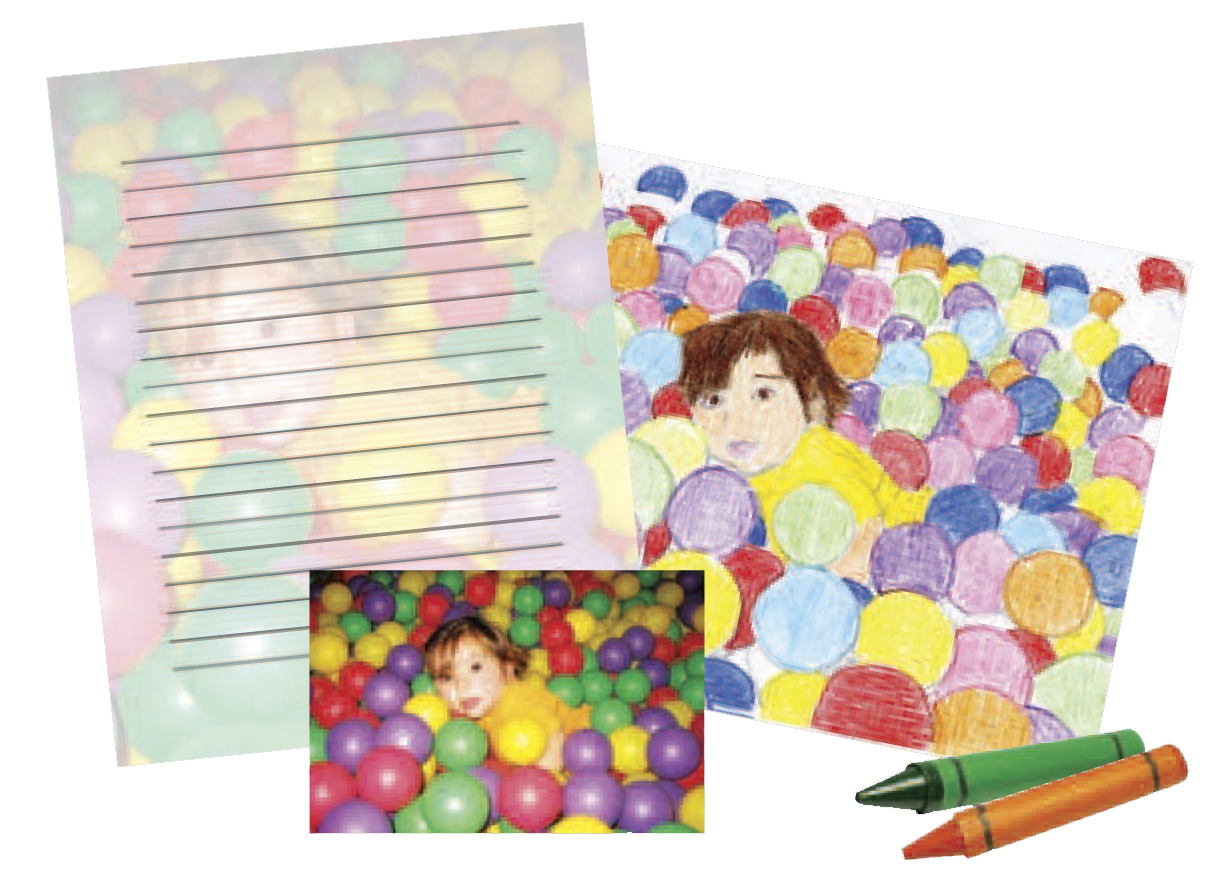
|
1.
|
Load letter- or A4-size plain paper, Epson Bright White Paper, Epson Presentation Paper Matte, or Epson Premium Presentation Paper Matte.
|
|
2.
|
Press the Home button.
|
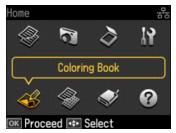
|
3.
|
 or
or  and select
 |
•
|
Photo or Drawing on the Scanner
Place your photo or drawing face-down on the scanner glass, in the back left corner. Press OK. |
|
•
|
Photo on Memory Card
Make sure your memory card is inserted, and press OK. Press  or or  to select the photo you want to use, then press OK. to select the photo you want to use, then press OK. |
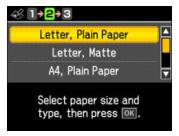
|
6.
|
|
•
|
Density to adjust how dark your coloring book page will print
|
|
•
|
Line Detection to change the amount of detail in the picture
|
Press OK when done adjusting the settings.
|
7.
|

To cancel printing, press  Stop/Clear Settings.
Stop/Clear Settings.