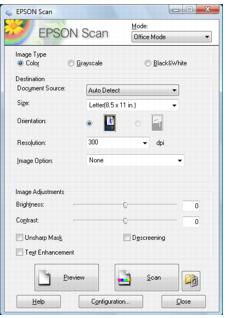
Before you start Epson Scan, place your original on the scanner glass.
Note:
If you installed the Artisan 800 Series on a network and are scanning from Mac OS X, you need to configure network settings for EPSON Scan before you can scan over the network.
If you installed the Artisan 800 Series on a network and are scanning from Mac OS X, you need to configure network settings for EPSON Scan before you can scan over the network.