During printing, you see this window showing the progress of your print job. It allows you to control printing and check ink cartridge status.
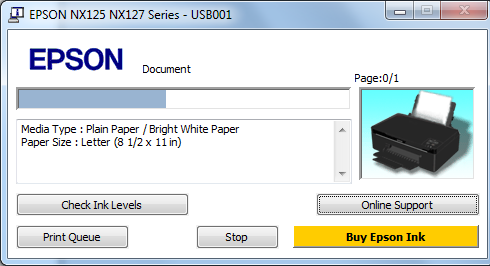
To see print jobs lined up for printing, click Print Queue.
To check ink status, click Check Ink Levels.
If you see an error during printing, see Solve Problems for solutions.
 stop button.