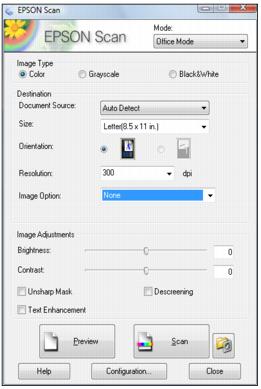
Start Epson Scan Before you start Epson Scan, place your original on the scanner glass or in the Automatic Document Feeder. Windows: Double-click the EPSON Scan icon on your Windows desktop. Macintosh: Open the Applications folder and click the EPSON Scan icon. Now you can select a scan mode. Note:You cannot use Home mode to scan with the Automatic Document Feeder.