Scanning With Mac OS X 10.6/10.7
With Mac OS X 10.6/10.7, you can scan with your product using an image-editing application.
Note:
You cannot use the Epson Scan program to scan with Mac OS X 10.6/10.7.
Open an image editing application, such as Image Capture.
Select your Epson product from the
DEVICES
or
SHARED
list, if necessary.
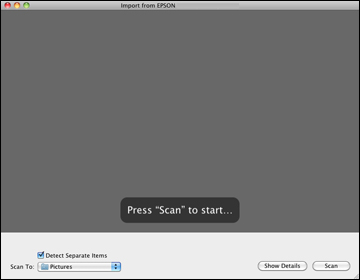
You see this window:
Click
Show Details
.
Select your scan settings as necessary.
Select the folder in which you want to save your scanned file in the
Scan To
pop-up menu.
Click
Scan
.
Your scanned file is saved in the folder you selected.
Parent topic:
Scanning