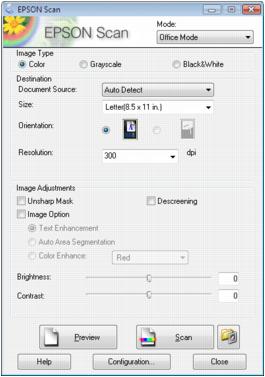
Before you start Epson Scan, place your original on the scanner glass. Then start Epson Scan in one of the following ways:
|
•
|
|
•
|
Note:
You can also launch Epson Scan from any TWAIN-compliant application, such as Adobe® Photoshop®.
You can also launch Epson Scan from any TWAIN-compliant application, such as Adobe® Photoshop®.