Before
printing from your camera, you can make image adjustments and
select the print settings for your photos. Image adjustments affect
only the printed copy of the photo, not the original file.
- Press
the
 home button, if
necessary.
home button, if
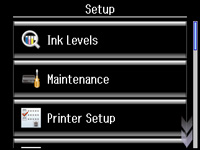
necessary. - Press the left or right arrow button and then select Setup.
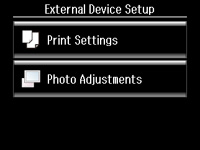
- Scroll down and select External Device Setup.
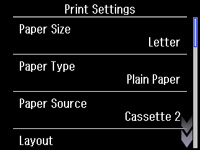
- Select Print Settings.
- When you
are done, press the
 back button.
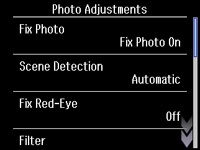
 - Select Photo Adjustments.
- Select
the photo adjustments you want to use, then press the
home button to exit.