- Do one of the following to start your
free trial:
- Click the Manage Invoices/Receipts trial icon on the main Epson ScanSmart screen.
- Click the Manage Invoices/Receipts trial icon on the Select Action screen.
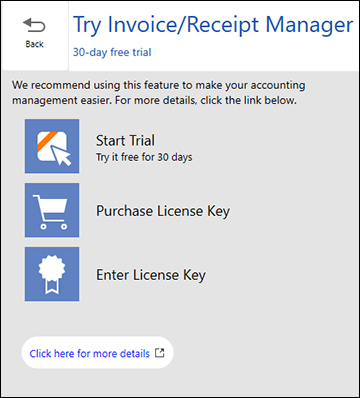
- Select Start
Trial.
Note: If you are ready to purchase a license key now, click Purchase License Key. The Epson product page opens in your web browser. Complete the checkout process and make sure you enter a valid email address where the license key will be sent to you. When you receive the license key, click Enter License Key and enter it on the screen that appears, then click Activate. You can also click the link below for instructions on activating Invoice/Receipt Manager from the Settings menu.
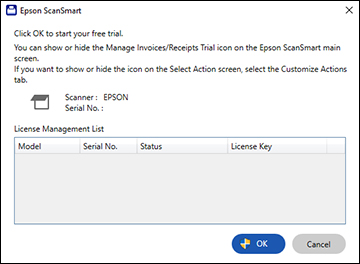
- Make sure the scanner and serial number listed match your product and click OK.
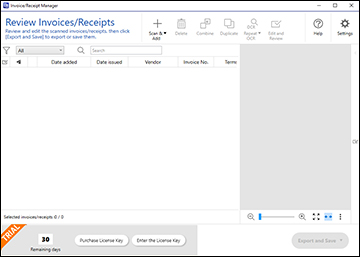
- Invoice/Receipt Manager opens and you can begin using its features.