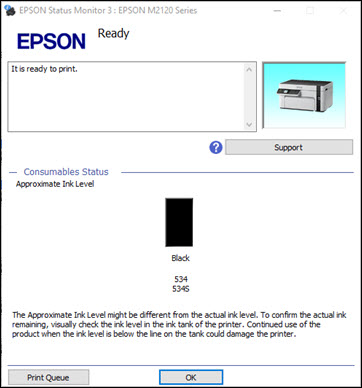
Refill the ink tank as needed.
Note: The ink
level displayed is an estimate and may differ from the actual ink
remaining in the ink tank. To confirm the actual remaining ink,
visually check the ink level in the ink tank. Continued use of the
product when the ink level is below the lower line on the tank
could damage the product.
 icon for your product in the right
side of the Windows taskbar, or click the up arrow and double-click
icon for your product in the right
side of the Windows taskbar, or click the up arrow and double-click