
Using Basic Projector Features
Using the Projector on a Network
You can use the Image Shift feature to adjust the image position without moving the projector.

This feature is available when you reduce the image using the Zoom setting.
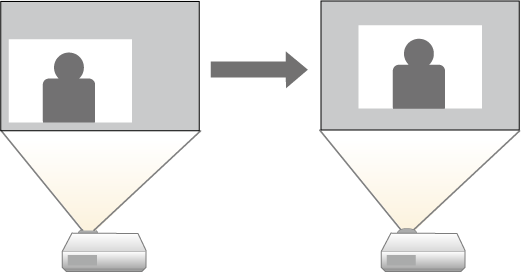
Turn on the projector and display an image.
Press the Menu button, select the Settings menu, and press Enter.
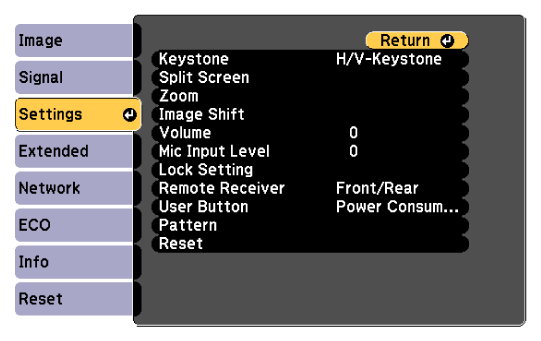
Select Image Shift and press Enter.
Use the arrow buttons to adjust the image position.
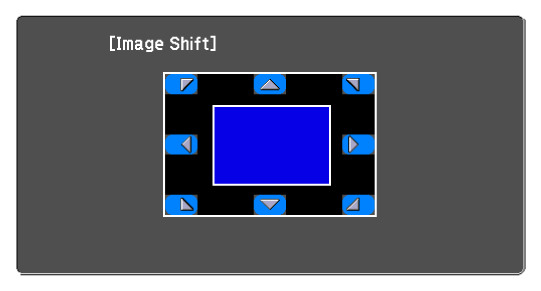
Press the Esc button to close the adjustment screen.
The Image Shift setting is retained even if the projector is turned off. You need to re-adjust the position if you change the installation location or angle of the projector.